



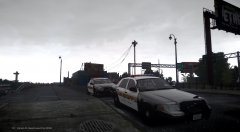
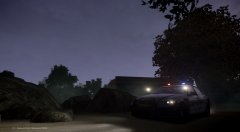

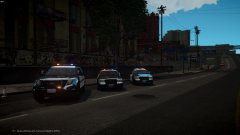
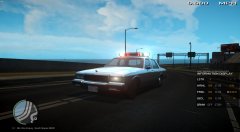


Update On The Riverside County Sheriff Pack

- 1,719 views
- View TWISTEDSCOPES's images
Hello Ladies And Gentle men i Would Like to address a few things for the Riverside County Sheriff Pack. First Is i Have Got in Rid Of The Slicktop Utility, The Ford Expedition Will Take It's Spots Currently Making A K9 CVPI, I will be adding in the Marked Tahoe And Will Be Making a better Slicktop CVPI. If You Have Any suggestions And Questions Please Let me know, I Would Be More Then Happy To Answer. Thank You For Your Time, Have a Nice Day And Night, Bye.
Credit
N/A
Copyright
© TWISTEDSCOPES
Recommended Comments
Join the conversation
You can post now and register later. If you have an account, sign in now to post with your account.