

Skip to content
View in the app

A better way to browse. Learn more.

LCPDFR.com

A full-screen app on your home screen with push notifications, badges and more.

To install this app on iOS and iPadOS
  1. Tap the Share icon in Safari
  2. Scroll the menu and tap Add to Home Screen.
  3. Tap Add in the top-right corner.
To install this app on Android
  1. Tap the 3-dot menu (⋮) in the top-right corner of the browser.
  2. Tap Add to Home screen or Install app.
  3. Confirm by tapping Install.

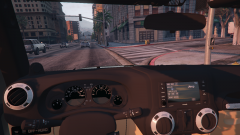
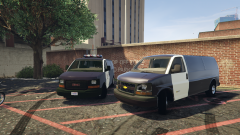
Which looks better?

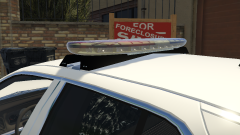
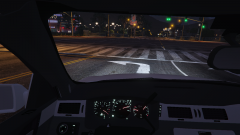
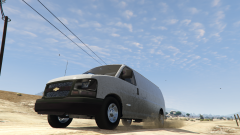
an really deiced on weather to make it red or make it blue, because the Real life on is only sold in one color aside from a Red/yellow mix model. 

The Red on is more realistic and works better with the skin, and IMO looks a bit better.

The Blue on the other hand is more common to see being used on police cars instead of an all red (color wise, NOT lightbar wise)

Here is a .gif for a rough Idea of how it looks
BHojRmJ.gif
sorry for bad Gif, capcher software is crap


  • From the album:

    0taku media

    · 218 images

    Account

    Navigation

    Search

    Search

    Configure browser push notifications

    Chrome (Android)
    1. Tap the lock icon next to the address bar.
    2. Tap Permissions → Notifications.
    3. Adjust your preference.
    Chrome (Desktop)
    1. Click the padlock icon in the address bar.
    2. Select Site settings.
    3. Find Notifications and adjust your preference.