






Suspicious Cargo

By Dhruv
- 1,144 views
- View Dhruv's images
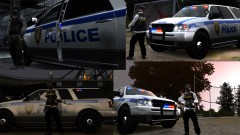
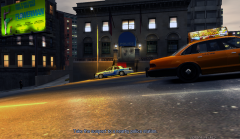
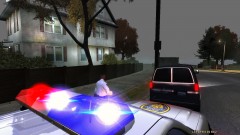
Under the fear of chemical attacks from Russia, Liberty City witnesses another shocking news.Intel reported a cargo ship named "Platypus" unloading a suspicious cargo into a Steed truck later in the evening today.LCPD responded and the Liberty Truck and Vehicle Enforcement squad found themselves amidst a high-speed chase in no time.The pic showcases the pursuit assistance units trying to pull over the speeding truck which is now travelling at high speeds around Star Junction, one of the most crowded areas of LC.We'll keep you posted as it happens.Thats all for now.
Update @ WeazelNews.com
High res.:

Copyright
© © Dhruv's screenies
Recommended Comments
Join the conversation
You can post now and register later. If you have an account, sign in now to post with your account.