Skip to content
View in the app

A better way to browse. Learn more.

LCPDFR.com

A full-screen app on your home screen with push notifications, badges and more.

To install this app on iOS and iPadOS
  1. Tap the Share icon in Safari
  2. Scroll the menu and tap Add to Home Screen.
  3. Tap Add in the top-right corner.
To install this app on Android
  1. Tap the 3-dot menu (⋮) in the top-right corner of the browser.
  2. Tap Add to Home screen or Install app.
  3. Confirm by tapping Install.

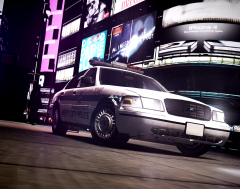
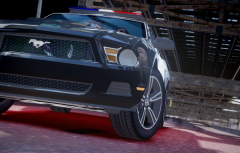
I remember somebody talking about this

Here on a forum discussion, i read something about that there were not random pursuits around the city on LCPDFR RC2 like in 0.91. I say this because i have figured it too, but a few days ago, i've noticed that this DOES happen, i mean not as often as in 0.91, but it does, and when it does, i't more cool than in older versions. You should take a time to wait for it to happen if you're thinking this was removed on this version.

  • From the album:

    Patrolling Streets

    · 96 images

    Account

    Navigation

    Search

    Search

    Configure browser push notifications

    Chrome (Android)
    1. Tap the lock icon next to the address bar.
    2. Tap Permissions → Notifications.
    3. Adjust your preference.
    Chrome (Desktop)
    1. Click the padlock icon in the address bar.
    2. Select Site settings.
    3. Find Notifications and adjust your preference.