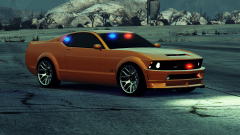
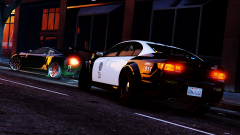
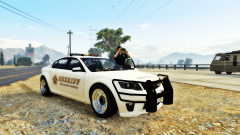
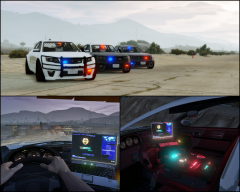
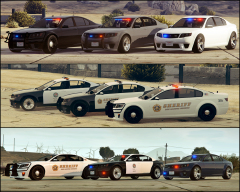
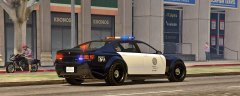
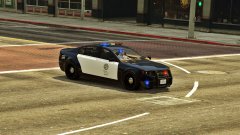
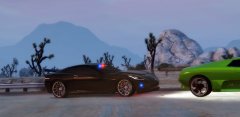
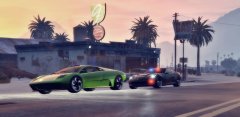
Cheval Fugitive PPV Share https://www.lcpdfr.com/gallery/image/52085-cheval-fugitive-ppv/ Share on Facebook Share on X {lang="reddit_text" More sharing options... Followers Fugitive PPV will be released soon.Top row cars are unmarked variation (polfugitive)Second and Third row cars are lightbar variation (polfugitive2) Credit NIGHTKID GARAGE Copyright © NIGHTKID GARAGE
CODEX12 Members September 4, 201510 yr Author stats they all look amazing loving the unmarked ones :P
Arxhive Members September 6, 201510 yr Author stats Oh I really can't wait. Do they naturally spawn with different wheels or did you change them via trainer?



Recommended Comments
Join the conversation
You can post now and register later. If you have an account, sign in now to post with your account.