Skip to content
View in the app

A better way to browse. Learn more.

LCPDFR.com

A full-screen app on your home screen with push notifications, badges and more.

To install this app on iOS and iPadOS
  1. Tap the Share icon in Safari
  2. Scroll the menu and tap Add to Home Screen.
  3. Tap Add in the top-right corner.
To install this app on Android
  1. Tap the 3-dot menu (⋮) in the top-right corner of the browser.
  2. Tap Add to Home screen or Install app.
  3. Confirm by tapping Install.

Trafficstop gone wrong

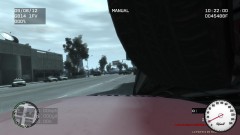
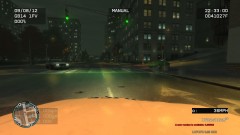
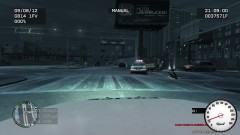
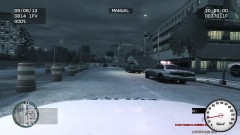
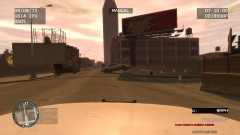
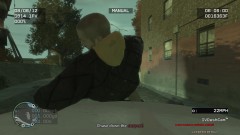
At 4:45 Unit 29 stopped a vehicle reported to be involved in a robbery. As Officer Davis approached two suspects exited the vehicle and started to attack the officer. A short firefight ensued with reinforcements called on the suspect side. 2 casualties (not pictured) and 4 heavily wounded including the officer.

Credit

SydoxX for getting shot at with a assault rifle from close distance

Copyright

© SydoxX, Rockstar Games
  • From the album:

    Dashcam photos

    · 8 images

    Account

    Navigation

    Search

    Search

    Configure browser push notifications

    Chrome (Android)
    1. Tap the lock icon next to the address bar.
    2. Tap Permissions → Notifications.
    3. Adjust your preference.
    Chrome (Desktop)
    1. Click the padlock icon in the address bar.
    2. Select Site settings.
    3. Find Notifications and adjust your preference.