Based on the Imperial County Sheriff star. Slightly modified to make it look closer to the vanilla LSSD logo. The leaves (don't know which plant they belong to) were taken from San Bernandino County Sheriff star.
It's not a texture for Granger, just a preview of the logo.


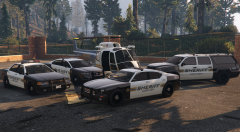

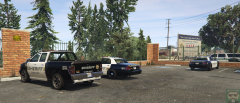


.png.81ee60c7617e6ceade87fd374b4689a9.png)
![[CONCEPT] Unmarked / FIB Bravado Bison](http://s3-gallery.int-cdn.lcpdfrusercontent.com/monthly_2015_05/small.FIB_Bison_rear.png.9290c51b248484c56831cbfcf869c318.png)

Recommended Comments
Join the conversation
You can post now and register later. If you have an account, sign in now to post with your account.