


![LCSO CVPI [Original]](http://s3-gallery.int-cdn.lcpdfrusercontent.com/monthly_2015_07/large.enb2015_7_21_7_33_6.jpg.429b4a28d37302ded06b10d1b620de77.jpg "LCSO CVPI [Original]")
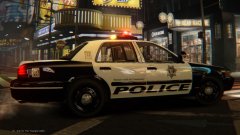
![LCSO CVPI [Original]](http://s3-gallery.int-cdn.lcpdfrusercontent.com/monthly_2015_07/small.enb2015_7_21_7_33_6.jpg.1155d9bff3d5de874f8eedd02d992c93.jpg)
![LCSO CVPI [Original] 2](http://s3-gallery.int-cdn.lcpdfrusercontent.com/monthly_2015_07/small.enb2015_7_21_7_24_10.jpg.ff52de46836ecf971952970f6b1905c8.jpg)
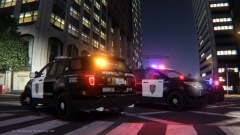
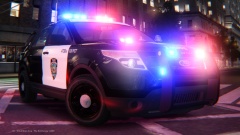
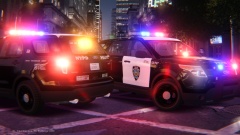
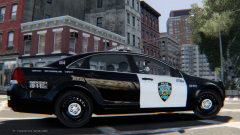
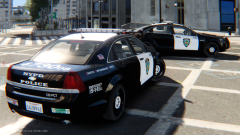
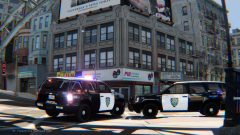
LCSO CVPI [Original]

By sixium
- 1,402 views
- View sixium's images
To some of you, this might remind you a little of my "LSSD repaint" of the Granger. Well, this is where that came from, an all original Sheriff livery design I made for someone long ago but was abandoned. So I made it a Liberty County Sheriff's Office livery and slapped it on a CVPI =D
Model by Caine.
Recommended Comments
Join the conversation
You can post now and register later. If you have an account, sign in now to post with your account.