


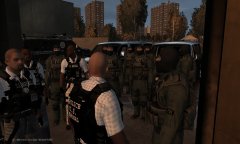

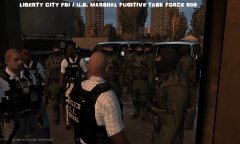
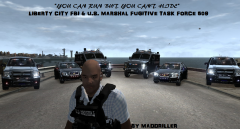
officer involved shooting

By maddriller
- 527 views
- View maddriller's images
ROBBERY FOILED BY LCSO DEPUTY
LCSO investigators are investigating a robbery plot foiled by LCSO Deputy. When the deputy entered the gas in Little Bay, Bohan to get his morning coffee and paper as he does every day to start his morning shift in Bohan to fight the ever so rising crime rate of the borough. He got more than a cup of coffee and paper to go. "As he walked up to the door he noticed a male subject standing at the counter with a pistol in hand pointing it at the cashier, while the subject was concentrating on the cashier removing the money from the register he fired a fatal shot as soon as he noticed the deputy entering the store. The deputy then drew his weapon and discharged several fatal shots into the subject. And are still investigating the entire event from start to finish." Says public relations liaison of LCSO. The deputy has been put on administrative leave with pay pending the investigation and autopsy results. both the identities of the deceased and deputy are still remaining unidentified until full completion of the investigation.
Recommended Comments
Join the conversation
You can post now and register later. If you have an account, sign in now to post with your account.