


.png.d62388fb194276841237609c17257b9e.png)




Part 1 of updates!!!

- 1,334 views
- View ASTTrprDillon95's images
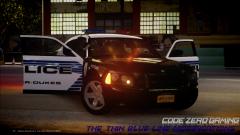
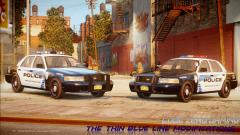
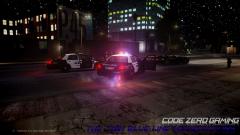
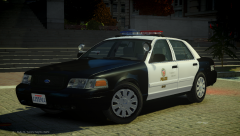
Yes. I am back with the Code Zero Gaming Official Vehicle Mega Pack! This is a whole new version re-designed to bring everyone with more variety of vehicles to use. Yes there will be a Police Interceptor Sedan, a Utility, a Caprice and charger, just to name some. I am gonna incorporate in some unique vehicles into the pack to allow the pack to have some undercover/unmarked units. As for the CVPI models, There will be dual options available. This means, 2 different base models. When the time comes I'll let everyone know which 2 base models I am using. I'll constantly update everyone with this pack. Release will be on CodeZero.us, GTA-Mod-Center.com and LCPDFR.com.
Special thanks to Cj24 for the updated CVPI model!! Loving it!!
Recommended Comments
Join the conversation
You can post now and register later. If you have an account, sign in now to post with your account.