





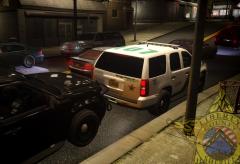
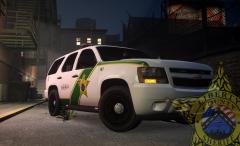

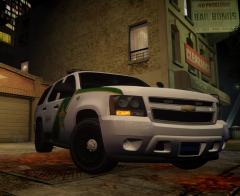
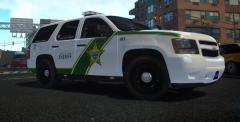
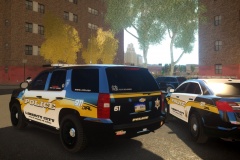
Liberty County Sheriff's Skin

By Lazerus
- 698 views
- View Lazerus's images
wanted to show off the realistic skin, so the badge. With this one I wanted to make sure that anything going into it, had some sort of real life meaning. In the badge you'll notice the city, well that is to signify the community/city of liberty city, next there is the "scales" image, this is to represent the scales of justice within the city, next the roads, this signifies the bond between each island, and finally... as anything american, we need the show the nations colors.
And no.. this isn't some sort of clan prop picture.. its just a design badge for a skin.
Recommended Comments
Join the conversation
You can post now and register later. If you have an account, sign in now to post with your account.