


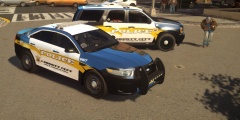
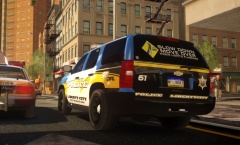
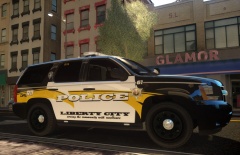
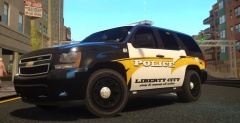
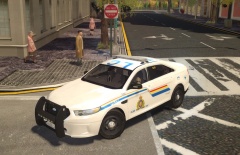
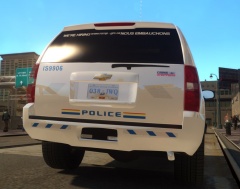
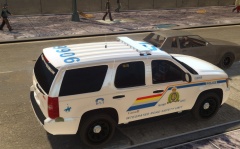
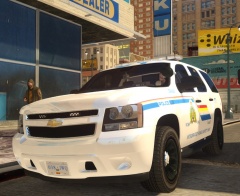

RCMP Taurus Skin (wip)

By Lazerus
- 903 views
- View Lazerus's images
So for the last while been tinkering with this models template. Think this model had a sunroof because the "LC" was hard to get perfect, every time i placed it, it was distorted and the lettering was all over the place. So with a little time and hard work managed to get it perfect. What I do like about this model (ironicrainbows) is that it comes with a window template. So I added the "END GANG LIFE" decal as most of the units in my area have it on the prisoner windows. Think the skin needs just a little more work but overall its coming out great!
Recommended Comments
Join the conversation
You can post now and register later. If you have an account, sign in now to post with your account.