


GTAIV 2015 03 16 02 25 31 94

By PolGuin255
- 450 views
- View PolGuin255's images
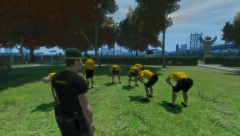
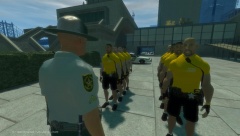
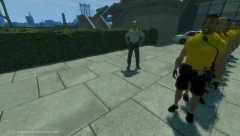
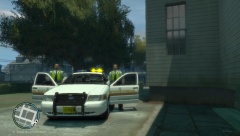
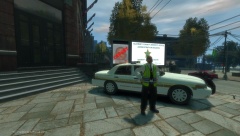
ACSO recruit diary - Week 3 , " Deep Breaths " The recruits seen here after completing the fitness tests. All recruits passed the test.
Lt James of the training & Development center said " all recruits are on par at the moment for passing out into the ACSO , Today was just one of many tests the recruits face, so they need to switch on and get their heads in the game, for the ultimate goal of becoming a deputy with ACSO"
Recommended Comments
Join the conversation
You can post now and register later. If you have an account, sign in now to post with your account.