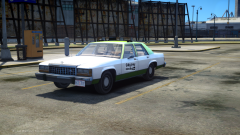
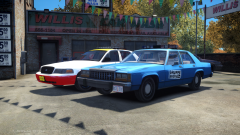
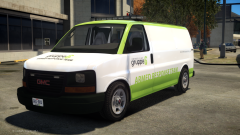
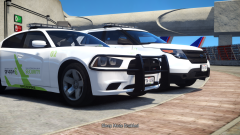
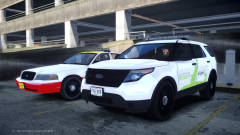
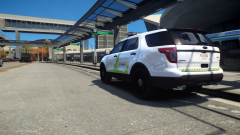
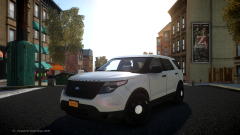
Old and New Share https://www.lcpdfr.com/gallery/image/46164-old-and-new/ Share on Facebook Share on X {lang="reddit_text" More sharing options... Followers An old(er) Airport Security CVPI (livery based of the original GTA IV FlyU6 livery), and the new Airport Security FPIU (after Gruppe6 took over the security, at least so I have a little story for the different liveries ;) ) And of course, both vehicles in action:
sixium Friends of LSPDFR March 13, 201511 yr Author stats OMG your gruppe6 livery is jaw-droppingly amazing =O




Recommended Comments
Join the conversation
You can post now and register later. If you have an account, sign in now to post with your account.