


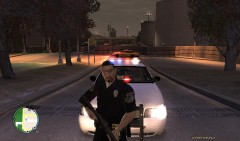
Barricaded Suspect SWAT Raid 2

- 881 views
- View FireSheriff343's images
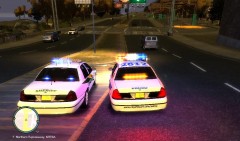
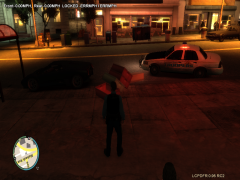
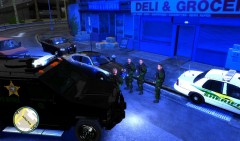
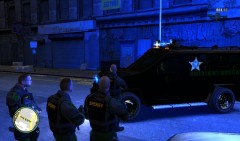
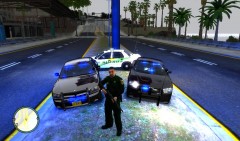
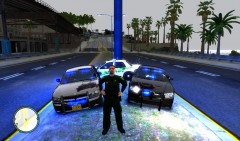
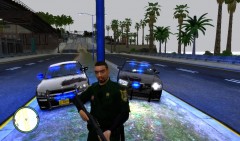
At approximately 2234est Sheriffs Deputies receive a report of a man barricaded in his apartment with multiple weapons ranging from a semi automatic .45 handgun to a AK74. When the primary deputy arrived he stated that he could hear the man talking to himself in the apartment and that the door to his apartment was nailed shut with something behind it. SWAT was called in at 2236est where the decided to bring the Bearcat APC (Armored Personnel Carrier.) After a few minutes SWAT decided to enter the apartment to try and minimize the possibility of casualties out on the street. SWAT breached the door at 2240est and shot and killed the barricaded suspect as he reached for his Assault Rifle. Suspect was called DRT(Dead Right There) :P at 2241est.
Recommended Comments
Join the conversation
You can post now and register later. If you have an account, sign in now to post with your account.