





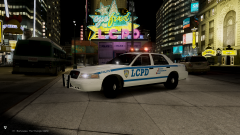
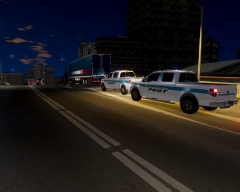
FDLC Receives new station!

By Andrew.
- 1,256 views
- View Andrew.'s images
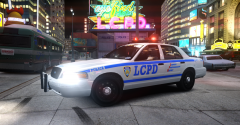
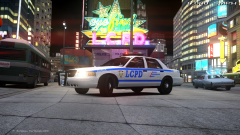
People that live in Central Algonquin can now feel a little safer thanks to a new fire station opening up.
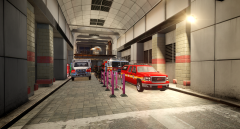
The new station, located at 2315 Star Junction BLV replaces an aging station that served the area and will begin responding to emergency calls immediately after today's ceremony. This station will be fully staffed with an Engine Crew, an EMS Unit along with Battalion 23-1.
The new station is an 3,660-square-foot facility with a two bay apparatus garage with attached work and sleeping quarters. The station placement is ment to reduce response time to emergencies in Central Algonquin. For the past decade, Station 43, which is located in Northern Algonquin, have been responding to Fire Calls in Star Junction area.
"Response times to that area can take up to 15 minutes all because traffic in this City," States Fire Captain James, "With the opening of the new station, it will reduce stress levels of Station 43 firefighters and also it should reduce response times."
We sat down with Fire Chief Andrew and asked him how the new station should help the Citizens of Algonquin feel safe.
"During medical emergencies or Fires, where 5 minutes can mean the difference of life and death, the crew from Station 23 should be there within a few minutes from the time of dispatch." Andrew Said.
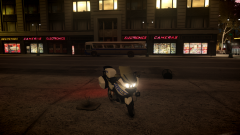
Station 23 already had its first call by the end of the ceremony. Video of the response coming soon.
Recommended Comments
Join the conversation
You can post now and register later. If you have an account, sign in now to post with your account.