


![[GIF BELLOW!]If your happy and you know it, clap your hands[GIF BELOW!]](http://s3-gallery.int-cdn.lcpdfrusercontent.com/gallery/album_3377/sml_gallery_134703_3377_29177.jpg)

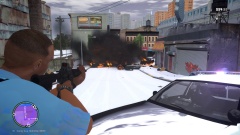
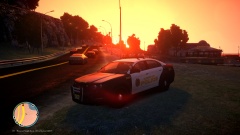
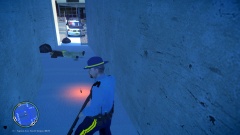
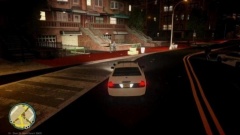


Scene of a Mugging gone wrong(what happened below)

By Oatmeal
- 529 views
- View Oatmeal's images
Sergent Mackay received a call that mugging was taking place near the firefly projects. He responded to roll up on a female down and a man running away(female not in picture). He calls in backup and starts to get out of his car with his shotgun. He runs through the fence and the suspect turns around and starts sprinting at Mackay with his knife drawn. He gets within a meter of Mackay before he pulls the trigger, causing the suspect to fall to the ground and drop the knife. Mackay quickly kicks the knife away and proceeds to cuff the suspect. By this time backup has arrived and have secured the female. The suspect did not make it and the female will survive but was badly wounded. We congratulate Mackay for his courage and bravery.
Recommended Comments
Join the conversation
You can post now and register later. If you have an account, sign in now to post with your account.