






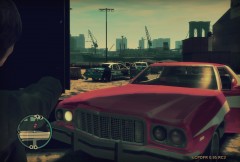
MVA in Lincoln Tunnel (+more pics)

By strike
- 1,523 views
- View strike's images
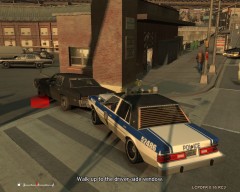
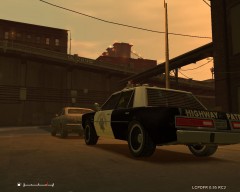
12:25 AM, a grey GNX is hit by patrol car in Lincoln Tunnel, in the New Jersey direction lane, when doing a reckless turning maneuver. The driver was stoned and after registring the car, officers found a bag with 20g of cannabis in the ashtray. And the passagener was in shock, and seemed to have some contusion.

"It smells from here"

After seeing the condition of the suspect, officer Jackson frisks the suspect. He finds a unloaded weapon.


Officer jackson arrest him and call some backup. A NYC EMS ambulance is on the way.

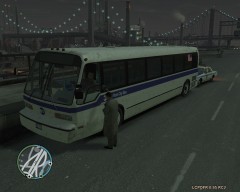
Jackon start controling the traffic. Until the MTA cleaned the accident scene. Union City police took care of the suspect. The detained, F.J. Adams, had already been arrested before for illegal possession of drugs in that city, and now has charges of illegal possession, driving under drugs effects, reckless driving and unlawful possession of weapons.
The other occupant of the car left the hospital the next day, with minor bruises.
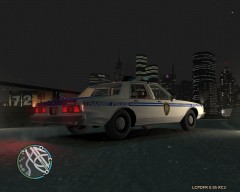
Back in the station, Jackson wonders how many will a new front lights cost.

Recommended Comments
Join the conversation
You can post now and register later. If you have an account, sign in now to post with your account.