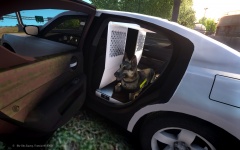
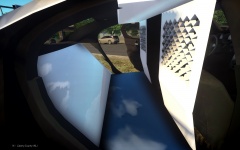
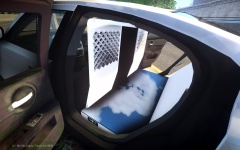
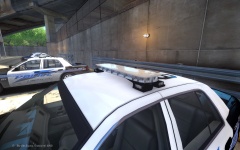
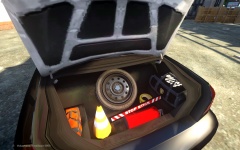
LCPD Pack 1 CVPI Ver.2 Legend W.I.P. Share https://www.lcpdfr.com/gallery/image/40778-lcpd-pack-1-cvpi-ver2-legend-wip/ Share on Facebook Share on X {lang="reddit_text" More sharing options... Followers I know the other cvpi is shit, so I'll include in the pack a legend version with hubcaps also. I'm going for a fleet look, so this will be the "newer" cvpi. Video Preview when I get started on the charger. Tell me what you guys think.







Recommended Comments
Join the conversation
You can post now and register later. If you have an account, sign in now to post with your account.