


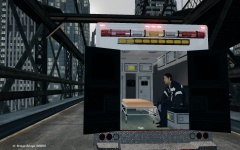
![Ford E-450 Ambulance Interior [doors open]](http://s3-gallery.int-cdn.lcpdfrusercontent.com/gallery/album_3011/sml_gallery_86082_3011_377135.jpg)
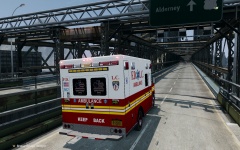
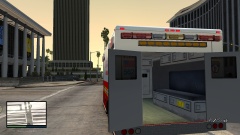
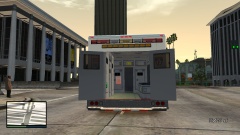
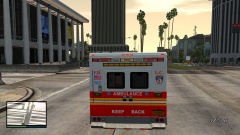


Ford E-450 Ambulance Interior.

By 42069
- 879 views
- View 42069's images
I re-mapped the windows and added some props to the new interior. I will be making this vehicle ELS V8 configured and adding a light bar, I don't know which one to add though. I also will be making the QuadraFlares full instead of flashing halfway full. Peds can now sit on the bench.
The interior (not including the props) is around 130 polygons.
Current equipment:
Stretcher
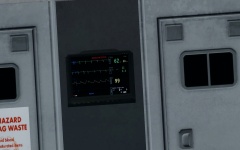
Heart rate monitor
Band Aid box
Clipboard
Medical bottles.
Recommended Comments
Join the conversation
You can post now and register later. If you have an account, sign in now to post with your account.