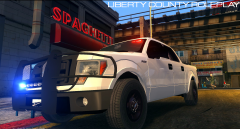
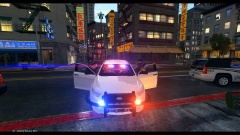
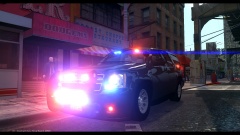
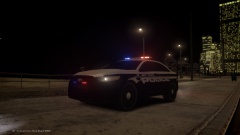
Santa? Share https://www.lcpdfr.com/gallery/image/38871-santa/ Share on Facebook Share on X {lang="reddit_text" More sharing options... Followers Still have to add moar side lights as well as antennas and police equipment. Will be utilized as a Supervisor and Tactical Response Unit vehicle. A variation of this vehicle may be set for release later 2014. Note: It is half on a sidewalk which is why the front looks lower than the back.
Piarulli246 Members August 27, 201411 yr Author stats Looks like a blob of lights on that ENB but I bet its a nice blob:)
Deactivated Member Deactivated August 27, 201411 yr Author stats The reason the front is so low is not the sidewalk, but the amount of lighting equipment.
Pengi Members August 28, 201411 yr Author stats I see you're missing runners. HG2!!!! Nah man, nevar will I fall to the darkside of HG2 lol
Deactivated Member Deactivated August 28, 201411 yr Author stats Nah man, nevar will I fall to the darkside of HG2 lol Pengi, come to the darkside.





Recommended Comments
Join the conversation
You can post now and register later. If you have an account, sign in now to post with your account.