




Update To Some Vehicles

By emptw1
- 1,164 views
- View emptw1's images
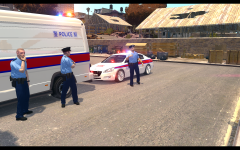
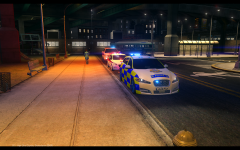
I looked back through the images I uploaded of the ASU vehicles and felt that they weren't up to the quality I would like them to be, specifically, I hated the red and blue stripe I had used on the back. So, I decided to rework the back of 4 vehicles that I felt needed to change. On display here (from Left to right): Kinksta's ELS V8 Ford Transit, Dopplers Vauxhall Zafira, Kinksta's Renault Scenic and Snits Holden Commodore. The chevrons on the Transit will come in the Blue and white version (shown) and a red and yellow/green version as seen on the other vehicles here.
Recommended Comments
Join the conversation
You can post now and register later. If you have an account, sign in now to post with your account.