




By RexCramer
- 822 views
- View RexCramer's images
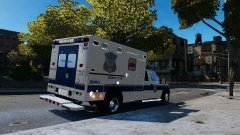
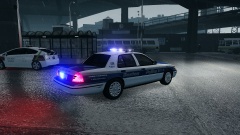
A destroyed police interceptor following the pursuit of 3 armed men in an SUV. The suspects fired at police through out the chase after police were called for a report of a robbery at 7:51 PM, the second officer on scene noticed a black SUV leaving the reported robbery area and attempted a traffic stop. The vehicle fled and led police on an hour long chase, with gun fire intermittently exchanging between the suspects and police. The chase left all three suspects dead and three officers wounded, the robbery and chase are currently under investigation.
Recommended Comments
Join the conversation
You can post now and register later. If you have an account, sign in now to post with your account.