



Police Chase (ELS v8)

By Murphy
- 2,716 views
- View Murphy's images
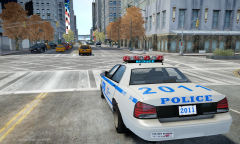
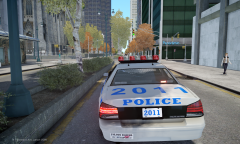
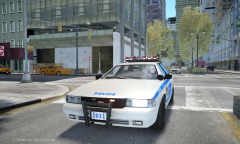
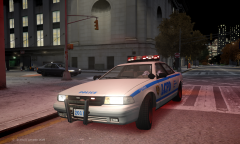
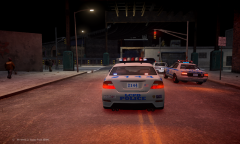
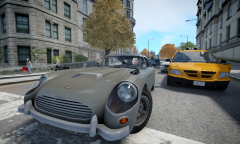
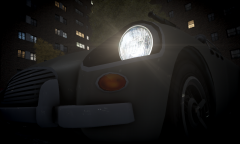
This is just a random screenshot from my test of LCPDFR with ELS v8. I have to say words just can't describe how amazing it is!
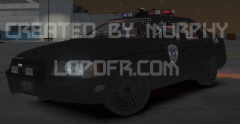
In the background is [technically] my first ELS car for GTA IV, and it's ELS v8 compatible!
To create the ELS Vapid Police Cruiser, I used Sam's and parts from Lt. Caine's
If I am correct, this is also the first and currently the only LCPD ELS GTA V Police Cruiser.
I will release the, if requested. Credit will be given to the model(s) original creators, as I only made modifications.
As for the Vapid Police Interceptor (in center), all I did was increase the contrast of the light textures. This makes the brake lights particularly look better, if I do say so myself.
Recommended Comments
Join the conversation
You can post now and register later. If you have an account, sign in now to post with your account.