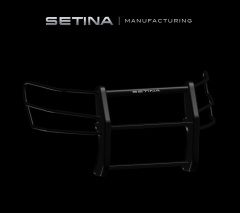
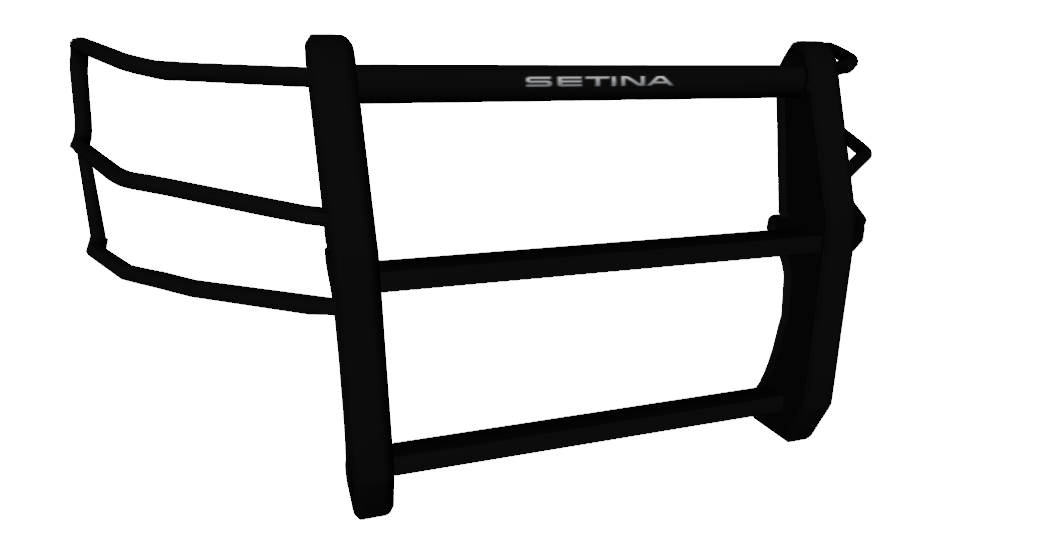
Setina Pushbar with Fender Wrap (Explorer) Render Share https://www.lcpdfr.com/gallery/image/32428-setina-pushbar-with-fender-wrap-explorer-render/ Share on Facebook Share on X {lang="reddit_text" More sharing options... Followers Thanks to TraumaPak and KevinDV for the rendering inspiration! I also finally learned UV mapping in 3DS Max! Let me know what you guys think! UV mapping in 3DS Max allows for easier installation in ZMOD! Mapped in 3DS Max vvvvvv Spoiler Let me know guys if need a tutorial on UV mapping in 3DS Max!
Mustu Members April 28, 201412 yr Author stats Niceeeeeeeeeeee Good job! 5/5 Also, is this the one I have?
42069 Members April 28, 201412 yr Author stats I just got 3DS Max, it would be helpful. Nice job on the push bar! :)




Recommended Comments
Join the conversation
You can post now and register later. If you have an account, sign in now to post with your account.