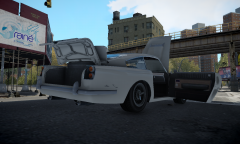
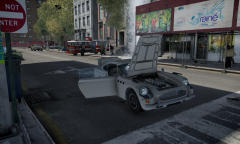
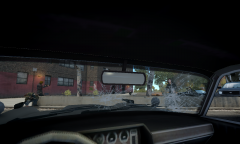
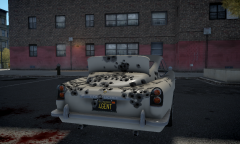
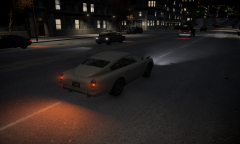
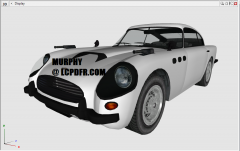
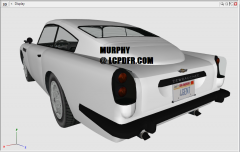
JB700 - All open components Share https://www.lcpdfr.com/gallery/image/32175-jb700-all-open-components/ Share on Facebook Share on X {lang="reddit_text" More sharing options... Followers The JB700 is almost done! Some new UV-mapping was done along with modeling of the LOD2 and some other minor components. Custom textures were also made for the license plates. Stay tuned for an update on the model's release! NOTE: Even though I don't show it here, the roof is a removable component!
Murphy Members April 23, 201412 yr Author stats Please let me know of any thoughts or suggestions you might have as I work on this! :)NOTE: All suggestions will be considered, but I may not necessarily change the model or any of its textures based on them.



Recommended Comments
Join the conversation
You can post now and register later. If you have an account, sign in now to post with your account.