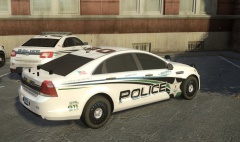
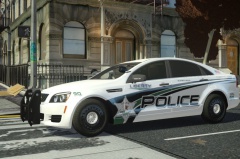
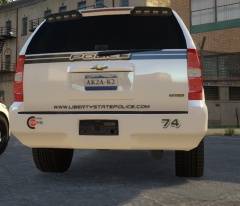
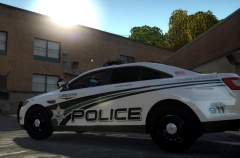
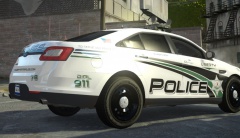
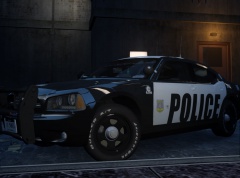
LCPD Fictional Skin Pack *update* Share https://www.lcpdfr.com/gallery/image/32083-lcpd-fictional-skin-pack-update/ Share on Facebook Share on X {lang="reddit_text" More sharing options... Followers So skin pack is going good, this is the interceptor, think it came out nicely. So far the charger,taurus,Tahoe are all completed, just have a few more to do and should be releasing the pack in next few days or so.





Recommended Comments
Join the conversation
You can post now and register later. If you have an account, sign in now to post with your account.