Skip to content
View in the app

A better way to browse. Learn more.

LCPDFR.com

A full-screen app on your home screen with push notifications, badges and more.

To install this app on iOS and iPadOS
  1. Tap the Share icon in Safari
  2. Scroll the menu and tap Add to Home Screen.
  3. Tap Add in the top-right corner.
To install this app on Android
  1. Tap the 3-dot menu (⋮) in the top-right corner of the browser.
  2. Tap Add to Home screen or Install app.
  3. Confirm by tapping Install.

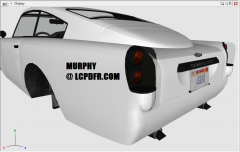
JB700 WIP - 4GENT plate

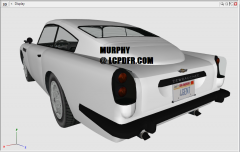
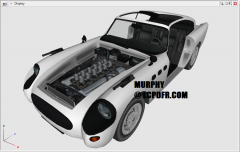
This progress image shows a replica of the "4GENT" plate on the JB700 in GTA V.

I made this texture using pictures from GTA V, GTA Online, and the GTA V iOS app (which allows the player to create a custom GTA Online plate).

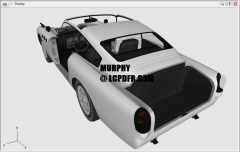
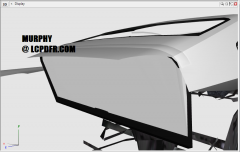
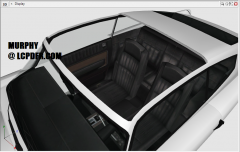
The unused James Bond bullet-proof shield in the back that I mentioned in another update can be seen in this view.

Here is what it will look similar to:

1964-Aston-Martin-DB5-James-Bond-for-sal

  • From the album:

    Murphy's WIP Gallery

    · 14 images

    Account

    Navigation

    Search

    Search

    Configure browser push notifications

    Chrome (Android)
    1. Tap the lock icon next to the address bar.
    2. Tap Permissions → Notifications.
    3. Adjust your preference.
    Chrome (Desktop)
    1. Click the padlock icon in the address bar.
    2. Select Site settings.
    3. Find Notifications and adjust your preference.