







LCSO Bust Fake Cop

- 695 views
- View IronicRainbow's images
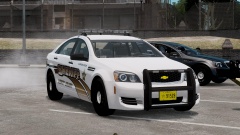
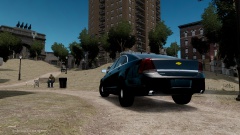
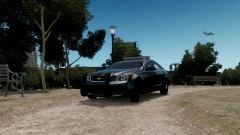
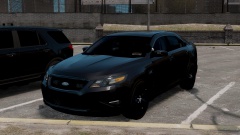
Stephon Ramirez, 35, was driving in his Crown Victoria car, acting like a police officer on Wednesday afternoon. Ramirez then spotted an undercover Sheriff's Deputy, and tried pulling him over, not aware that he was an actual officer. Officers say that Ramirez used a popular iFruit app that displays flashing red and blue lights on his phone, and put the phone on his dashboard to make it seem like he had actual police lights on his car. The Deputy, spotting the fake car's paint job immediately, pulled Ramirez over and apprehended the suspect at gunpoint. Ramirez was brought to court on Thursday and found guilty of impersonating a police officer.
Recommended Comments
Join the conversation
You can post now and register later. If you have an account, sign in now to post with your account.