



FHP Pursuit with MVA

- 818 views
- View FireSheriff343's images
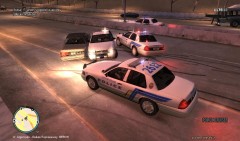
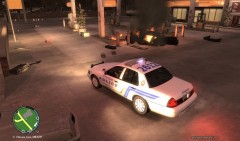
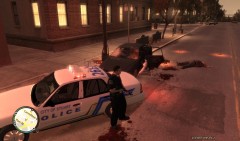
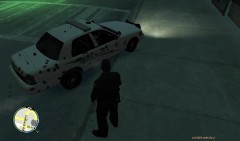
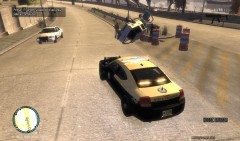
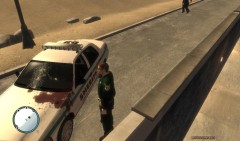
At around 1728 est time FHP conducted a traffic stop on a reckless driving Chevy Suburban on the Western Highway in the Southbound lane. Upon pulling the vehicle over the driver was cited with reckless driving and let go. As the Trooper got back into his vehicle the Suburban occupied times 2 made an illegal u-turn on the highway and ran into a civilian and fled the scene. The Trooper made a u-turn to go and catch up with the Suburban as it took off. The pursuit lasted around 2-3 minutes where the Trooper with assistance from the S.O. PITed the SUV causing it to roll over. Both suspects were unharmed as they exited the vehicle and both suspects gave up without further incident.
Recommended Comments
Join the conversation
You can post now and register later. If you have an account, sign in now to post with your account.