Skip to content
View in the app

A better way to browse. Learn more.

LCPDFR.com

A full-screen app on your home screen with push notifications, badges and more.

To install this app on iOS and iPadOS
  1. Tap the Share icon in Safari
  2. Scroll the menu and tap Add to Home Screen.
  3. Tap Add in the top-right corner.
To install this app on Android
  1. Tap the 3-dot menu (⋮) in the top-right corner of the browser.
  2. Tap Add to Home screen or Install app.
  3. Confirm by tapping Install.

Wall stops fleeing suspect

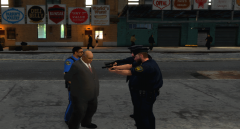
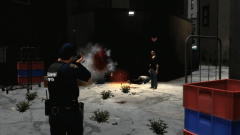
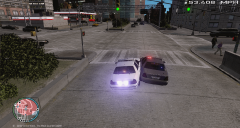
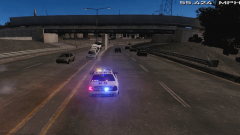
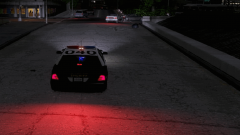
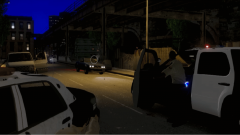
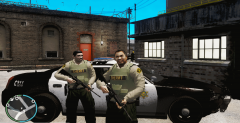
RCMP officers were in pursuit of a suspect that stole a police vehicle. An old lady called 911 after seeing a white man breaking into a parked patrol car and drove off, The suspect then hit the freeway reaching dangerous speeds of over 80 mph. Officers were able to take him into custody after he drove straight into a wall. He then told officers that he wanted to play with the lights and sirens, The officer of that patrol vehicle said, 'I need a vacation.'

  • From the album:

    LCPDFR 1.0 Action!

    · 49 images

    Account

    Navigation

    Search

    Search

    Configure browser push notifications

    Chrome (Android)
    1. Tap the lock icon next to the address bar.
    2. Tap Permissions → Notifications.
    3. Adjust your preference.
    Chrome (Desktop)
    1. Click the padlock icon in the address bar.
    2. Select Site settings.
    3. Find Notifications and adjust your preference.