


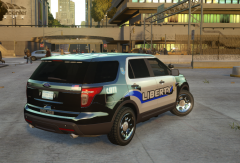
1st RCMP skin, update

By Lazerus
- 1,698 views
- View Lazerus's images
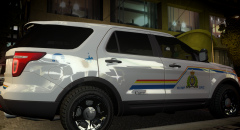
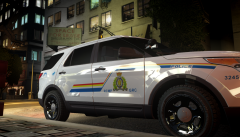
Ok so had some good feedback on my last redo's, so redid the line again.
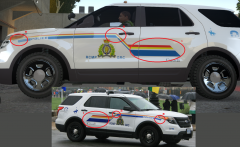
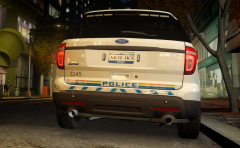
1. Fixed the back end lines as they were abit small compared to the real version. Made them taller then before, and also made them longer to how the real model shows.
2. Fixed the angle point "end" so that its closer to the door handle, as shown in the real model picture.
3. Just made sure the curve of the lines made to end where its suppose to end from the real version pic
things to fix still.. Just the RCMP GRC I think needs to be a bit bigger. Overall I think I nailed it, thoughts, feedback..
Recommended Comments
Join the conversation
You can post now and register later. If you have an account, sign in now to post with your account.