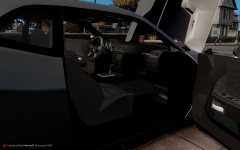
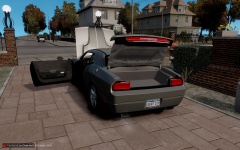
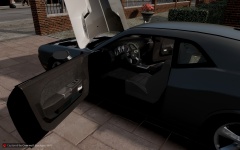
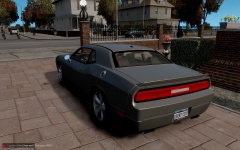
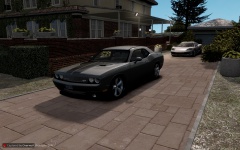
Dodge Challenger Completed Conversion Share https://www.lcpdfr.com/gallery/image/28273-dodge-challenger-completed-conversion/ Share on Facebook Share on X {lang="reddit_text" More sharing options... Followers 2 days of work and this car is finished. A big shout out to SCSDDeputy for the help on this conversion! Credits - Model From DSF, Converted By SCSDDeputy, GTAxB0SS - Using pars form NFS Challenger PM for info on the car



Recommended Comments
Join the conversation
You can post now and register later. If you have an account, sign in now to post with your account.