
Skip to content
View in the app

A better way to browse. Learn more.

LCPDFR.com

A full-screen app on your home screen with push notifications, badges and more.

To install this app on iOS and iPadOS
  1. Tap the Share icon in Safari
  2. Scroll the menu and tap Add to Home Screen.
  3. Tap Add in the top-right corner.
To install this app on Android
  1. Tap the 3-dot menu (⋮) in the top-right corner of the browser.
  2. Tap Add to Home screen or Install app.
  3. Confirm by tapping Install.

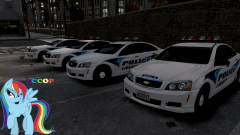
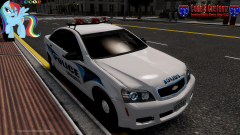
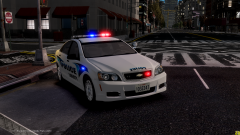
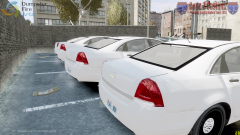
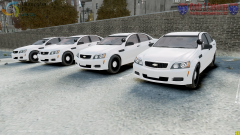
2012 Chevy Caprice PPV

- Holden Caprice purchased by Hilth0 , converted and modified into a Chevrolet Caprice PPV by Lccop, GTAxB0SS, Hilth0.

- With part from 2011 Chevrolet Caprice purchased by Polecat324.

- Grill by GTAxB0SS.

- Templateed by GTAxB0SS.

- Rims by EA Games, hubcaps by Bxbugs123, converted to GTA IV by Hilth0.

From the album:

2012 Chevy Caprice PPV

· 8 images

Account

Navigation

Search

Search

Configure browser push notifications

Chrome (Android)
  1. Tap the lock icon next to the address bar.
  2. Tap Permissions → Notifications.
  3. Adjust your preference.
Chrome (Desktop)
  1. Click the padlock icon in the address bar.
  2. Select Site settings.
  3. Find Notifications and adjust your preference.