Skip to content
View in the app

A better way to browse. Learn more.

LCPDFR.com

A full-screen app on your home screen with push notifications, badges and more.

To install this app on iOS and iPadOS
  1. Tap the Share icon in Safari
  2. Scroll the menu and tap Add to Home Screen.
  3. Tap Add in the top-right corner.
To install this app on Android
  1. Tap the 3-dot menu (⋮) in the top-right corner of the browser.
  2. Tap Add to Home screen or Install app.
  3. Confirm by tapping Install.

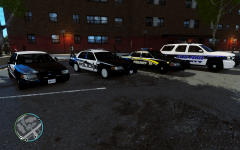
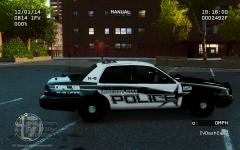
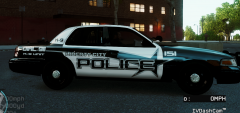
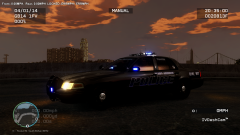
NEWPOLICE3

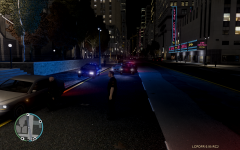
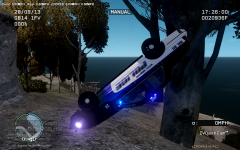
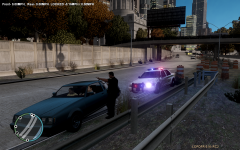
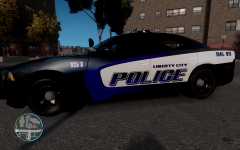
Ok guys, I have been trying to come up with a new skin pack for myself and possibly the public if everyone likes it enough. I looked around and I dont believe there is another one like and thats what I was shooting for is something a little different. So let me know any suggestions to improve the skins and weather or not you would be interested if I made it a public release. Thanks

  • From the album:

    ZTGRAPHIX's ALBUM

    · 19 images

    Account

    Navigation

    Search

    Search

    Configure browser push notifications

    Chrome (Android)
    1. Tap the lock icon next to the address bar.
    2. Tap Permissions → Notifications.
    3. Adjust your preference.
    Chrome (Desktop)
    1. Click the padlock icon in the address bar.
    2. Select Site settings.
    3. Find Notifications and adjust your preference.