Skip to content
View in the app

A better way to browse. Learn more.

LCPDFR.com

A full-screen app on your home screen with push notifications, badges and more.

To install this app on iOS and iPadOS
  1. Tap the Share icon in Safari
  2. Scroll the menu and tap Add to Home Screen.
  3. Tap Add in the top-right corner.
To install this app on Android
  1. Tap the 3-dot menu (⋮) in the top-right corner of the browser.
  2. Tap Add to Home screen or Install app.
  3. Confirm by tapping Install.

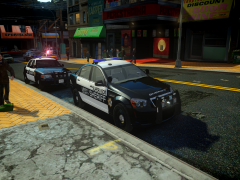
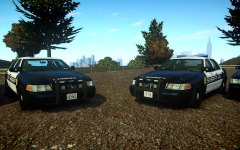
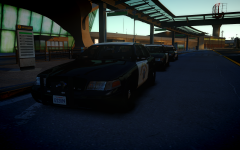
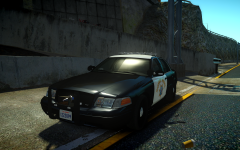
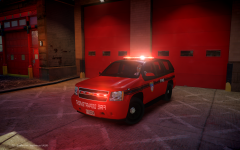
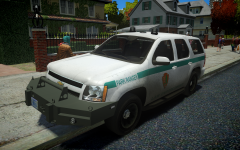
Aftermath of CHP chase after succesful PIT.

Whelen Liberty made by KevinDV.

Whelen Raider made by Hilth0.

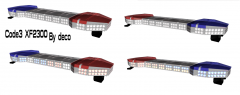
Whelen CHP advisory made by deco(Tim98), Modules by Hilth0.

Pushbar made by deco(Tim98)

Federal Signal TS100-n Speaker made by deco(Tim98)

hyck.png

I AM AWARE THAT CVE SHOULD HAVE A WHITE RAMBAR.

gxqv.png

1o0x.png

v14y.png

a17p.png

89tz.png

99fp.png

From the album:

Kygo's gallery.

· 166 images

Account

Navigation

Search

Search

Configure browser push notifications

Chrome (Android)
  1. Tap the lock icon next to the address bar.
  2. Tap Permissions → Notifications.
  3. Adjust your preference.
Chrome (Desktop)
  1. Click the padlock icon in the address bar.
  2. Select Site settings.
  3. Find Notifications and adjust your preference.