


Skip to content
View in the app

A better way to browse. Learn more.

LCPDFR.com

A full-screen app on your home screen with push notifications, badges and more.

To install this app on iOS and iPadOS
  1. Tap the Share icon in Safari
  2. Scroll the menu and tap Add to Home Screen.
  3. Tap Add in the top-right corner.
To install this app on Android
  1. Tap the 3-dot menu (⋮) in the top-right corner of the browser.
  2. Tap Add to Home screen or Install app.
  3. Confirm by tapping Install.

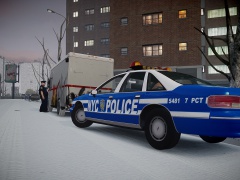
Suspect cornered.

Dec.4.2001.4:47 A.M.

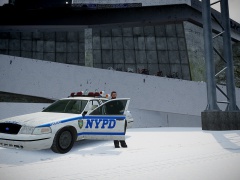
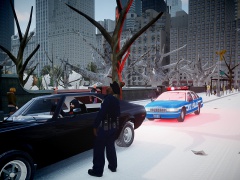
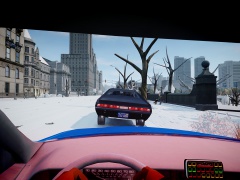
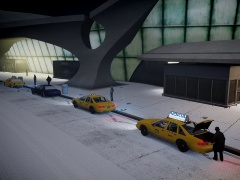
A suspect who was involved in a case of hit-and-run tried to escape officers of the New York City police department in the early morning. He was using a large delivery truck to make a getaway, but officers quickly caught up with him and he had no choice but to be cornered in a parking lot near Rosedale, Queens. He will be taken into custody on evading arrest and the hit-and-run charge.

  • From the album:

    The Precinct Life.

    · 51 images

    Account

    Navigation

    Search

    Search

    Configure browser push notifications

    Chrome (Android)
    1. Tap the lock icon next to the address bar.
    2. Tap Permissions → Notifications.
    3. Adjust your preference.
    Chrome (Desktop)
    1. Click the padlock icon in the address bar.
    2. Select Site settings.
    3. Find Notifications and adjust your preference.