


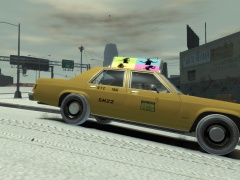


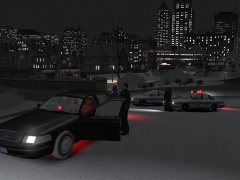


A late night break in.

By JewishBanana
- 961 views
- View JewishBanana's images
Nov.9.2002.2:03 A.M.
Officers of the Hoboken police department received an emergency call late at night only to arrive on the scene moments after it happened. Detectives are beginning to piece it all together. It seems just like your average late night break-in. Witnesses at the scene can only describe the fiend to be about 6'1", mildly shaven face, military style haircut and he seemed to have been accompanied by a relative of his who he was yelling 'Roman' at most of time during the break-in.
Recommended Comments
Join the conversation
You can post now and register later. If you have an account, sign in now to post with your account.