


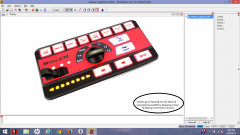
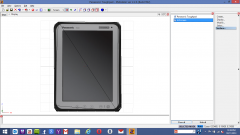
Panasonic Toughpad Finished

By Casey26
- 1,054 views
- View Casey26's images
This is the all new Panasonic Toughpad that i have just created today! :-) I made it in Autodesk 123d Design and then i exported it as a .stl and then i imported the mesh into 3ds Max 2014 and then after that i exported it as a .obj file and then i imported it into Zmodeler 2.2.6. and i made a LCD screen and i also UV mapped the whole mesh. i hope everyone likes this! :-) and i made sure that it was a high quality mesh and the textures too. i may release this as Dev, if anyone likes this a lot i will definitely release this today. cause no one has never ever made something like this before so i decided to make this Tablet PC. :-) and this will be made for GTA IV so everyone knows.
Recommended Comments
Join the conversation
You can post now and register later. If you have an account, sign in now to post with your account.