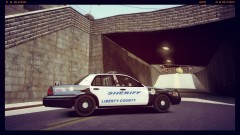
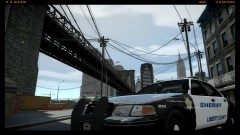
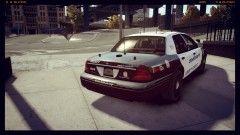
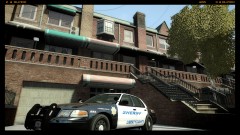
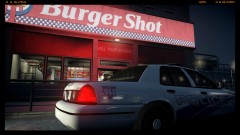
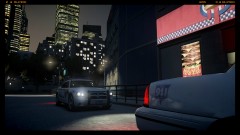
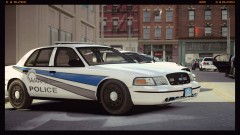
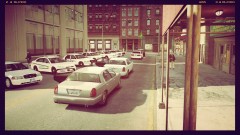
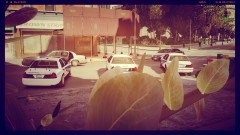
''E364 Show Us 10-23 nothing visible from outside initially, Expect a sit-rep In 10, over'' Share https://www.lcpdfr.com/gallery/image/19197-e364-show-us-10-23-nothing-visible-from-outside-initially-expect-a-sit-rep-in-10-over/ Share on Facebook Share on X {lang="reddit_text" More sharing options... Followers Vehicle Unit E364 responded to a verbal argument getting heated is what was given inside the fast food joint. The argument escalated and then became physical where charges such as assault and assault with a deadly weapon were charged.


.thumb.png.ecf43c03aae99a7abd3f5a0d930d62f9.png)
Recommended Comments
Join the conversation
You can post now and register later. If you have an account, sign in now to post with your account.