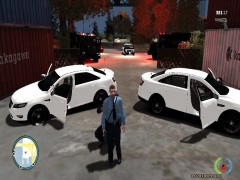
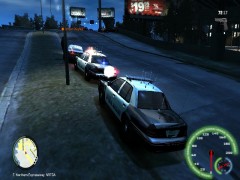
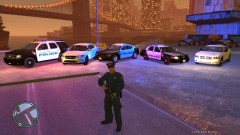
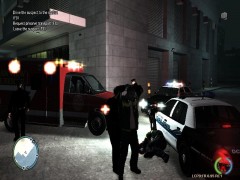
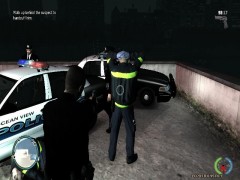
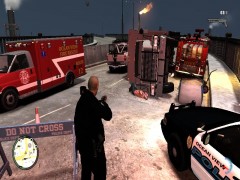
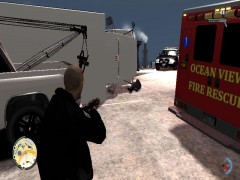
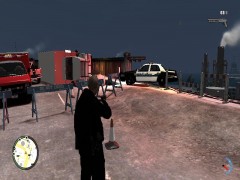
Online Roleplay, Traffic Stop with nice ENB Share https://www.lcpdfr.com/gallery/image/1903-online-roleplay-traffic-stop-with-nice-enb/ Share on Facebook Share on X {lang="reddit_text" More sharing options... Followers I love how everything looks at night with ENB settings. Another officer that was at a traffic stop needed another unit due to a expired Liscense and A warrent for his arrest. So I responded Code 2 to the seen and was standing by. Copyright © JACK



Recommended Comments
Join the conversation
You can post now and register later. If you have an account, sign in now to post with your account.