


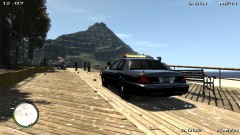
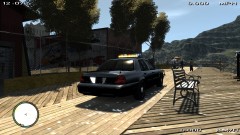
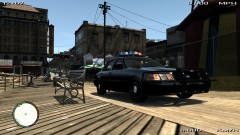
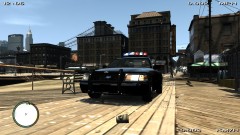
Front Passenger Side

By Thundershirt
- 578 views
- View Thundershirt's images
Real life picture: http://farm5.staticflickr.com/4134/4807346296_0cc11fc702.jpg

Before Update:
I have added a siren in the grill behind the ford emblem, two antenna's on the trunk, an antenna on the roof, a computer, police console, spotlight on the driver side, gps in the front window, and wig wags in the headlights and reverse lights. I am now working on changing the wheels then it may be done. Please let me know what you guys think of the model and I can give it to some of you to beta test if you would like, just pm me about it. Thank you!
Recommended Comments
Join the conversation
You can post now and register later. If you have an account, sign in now to post with your account.