




Explosion at the Hospital

- 797 views
- View Sheriff Mike Chapman's images
Back in the Virtual Justice Cinematic Universe, hosted on NEORP, the FBI had placed a member of the gangs into protective custody after they gave valuable information.
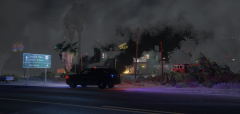
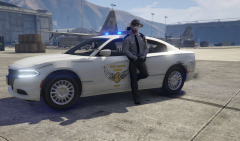
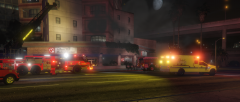
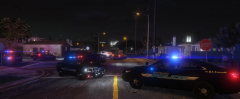
Shortly after, the hospital was bombed by a group of men who drove away in a black armored vehicle. Cleveland Fire was able to contain the damage, and thus an investigation was launched by CPD and the FBI. 20 people died in the explosion, including the witness, and 37 were injured.
SAC David Norton had this to say, "My boys will find who was responsible for this. I can promise you and the rest of the families that. We are dealing with a threat much higher than normal gang warfare."
Want to join in the story? Come join us at https://discord.gg/HV9Mh4XwsE
Recommended Comments
Join the conversation
You can post now and register later. If you have an account, sign in now to post with your account.