


20210513233720_1

By bevarnow
- 221 views
- View bevarnow's images
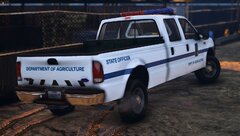
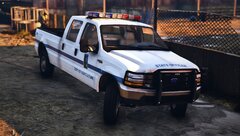
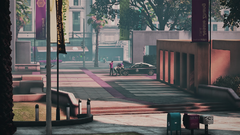
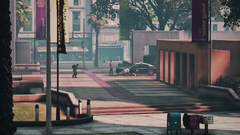
At Around 5.24 PM this Afternoon. A Officer from the Department of Agriculture called 911, the Officer was barely able to get a few words out. But the Dispatcher was able to hear Gunshots and Dispatched Units Out. Units from the Los Santos Sheriffs Office, Los Santos Police Department, Port of Los Santos, and State Police responded to Grove St. to assist the Officer. The Arriving Officers Discovered the Officer laying outside of his Truck Mortally Wounded. The Streets had Emptied and the Units setup a Perimeter. It said that the Officer Never Had a Chance to draw his Service Weapon and Defend himself. The Officer, - who has yet to be identified, died later that night at the Central Los Santos Medical Center. The Cause of the Shooting is Still Unknown and no Arrest have been made. The Department of Agriculture has asked the State Police to head the investigation due to them not having the necessary resources.
Recommended Comments
Join the conversation
You can post now and register later. If you have an account, sign in now to post with your account.