Skip to content
View in the app

A better way to browse. Learn more.

LCPDFR.com

A full-screen app on your home screen with push notifications, badges and more.

To install this app on iOS and iPadOS
  1. Tap the Share icon in Safari
  2. Scroll the menu and tap Add to Home Screen.
  3. Tap Add in the top-right corner.
To install this app on Android
  1. Tap the 3-dot menu (⋮) in the top-right corner of the browser.
  2. Tap Add to Home screen or Install app.
  3. Confirm by tapping Install.

2013 03 06 00003

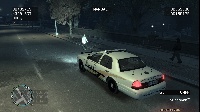
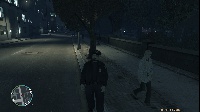
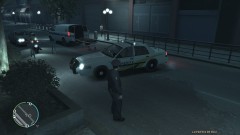
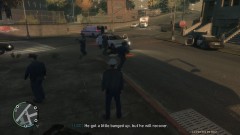
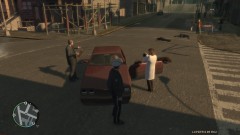
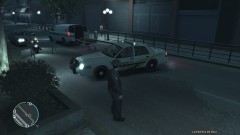
Service Call: Intoxicated Individual (Cam image 1 of 2)

Dispatch reported call about intoxicated woman standing in middle of road.

432B responded Code 1

Approaching scene, 432B noticed woman standing in middle of road. Contact was made with subject.

Subject breathalyzed, BAC of 0.03 (Limit to drive: 0.06). Subject told to stay out of road and call for cab to go home.

Subject apologized, willingly left area

  • From the album:

    LCPD:FR Case Images

    · 14 images

    Account

    Navigation

    Search

    Search

    Configure browser push notifications

    Chrome (Android)
    1. Tap the lock icon next to the address bar.
    2. Tap Permissions → Notifications.
    3. Adjust your preference.
    Chrome (Desktop)
    1. Click the padlock icon in the address bar.
    2. Select Site settings.
    3. Find Notifications and adjust your preference.