

Skip to content
View in the app

A better way to browse. Learn more.

LCPDFR.com

A full-screen app on your home screen with push notifications, badges and more.

To install this app on iOS and iPadOS
  1. Tap the Share icon in Safari
  2. Scroll the menu and tap Add to Home Screen.
  3. Tap Add in the top-right corner.
To install this app on Android
  1. Tap the 3-dot menu (⋮) in the top-right corner of the browser.
  2. Tap Add to Home screen or Install app.
  3. Confirm by tapping Install.

WATCH YOUR SIX!

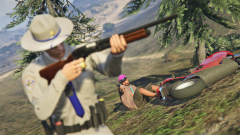
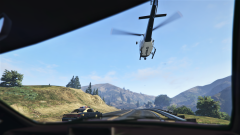
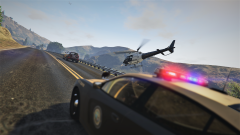
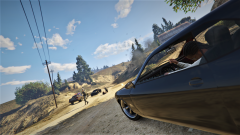
I suppose this is why all suspects must be restrained or at least have their weapons removed. I thought this guy was down, but it turns out he was just knocked out for a while. Took a grazing shot from him which knocked me to the ground and the rest of his shots all missed. I managed to get up and take him out. (FYI I use the gunshot wound script which makes such moments possible and also very lethal. It is quite fun though.)

From the album:

Dank LSPDFR Adventures

· 409 images

Account

Navigation

Search

Search

Configure browser push notifications

Chrome (Android)
  1. Tap the lock icon next to the address bar.
  2. Tap Permissions → Notifications.
  3. Adjust your preference.
Chrome (Desktop)
  1. Click the padlock icon in the address bar.
  2. Select Site settings.
  3. Find Notifications and adjust your preference.