




TPS Various Vehicles

By yakadoshi
- 1,774 views
- View yakadoshi's images
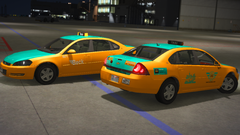
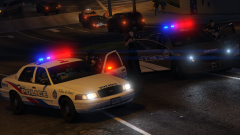
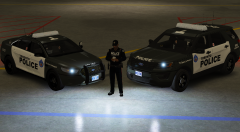
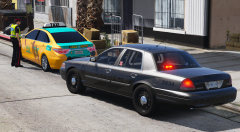
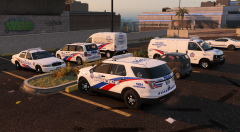
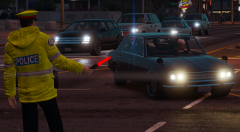
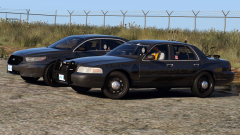
Various vehicles parked at a TPS division including a CBRNE Ford Transit, MCIT Dodge Caravan, CRU Chevrolet Express, BCU Ford Crown Victoria and a supervisor's FPIU.
CBRNE - Chemical, Biological, Radiological, Nuclear and Explosive - specialised teams to manage potentially high-risk hazardous situations.
MCIT - Mobile Crisis Intervention Team - specially trained team of medical and law enforcement personnel tasked with conflict de-escalation, often in situations where the subject is experiencing a mental health crisis.
CRU - Collision Reconstruction Unit - tasked to provide intensely detailed reconstruction investigation into traffic collisions deemed unusual or high profile in nature, involving police activity and/or resulting in serious injury or deaths.
BCU - Bail Compliance unit
Recommended Comments
Join the conversation
You can post now and register later. If you have an account, sign in now to post with your account.