


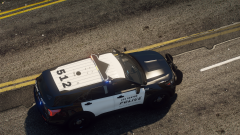
Los Santos Police WIP (Chino Based)
Album created by
MEDIC3630 ·
Updated
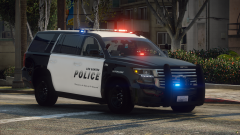
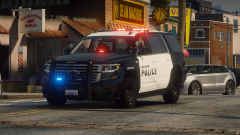
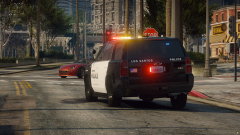
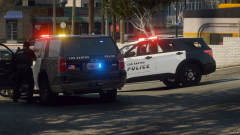
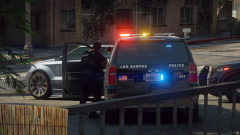
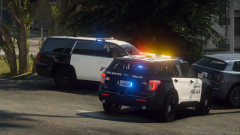
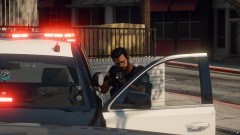
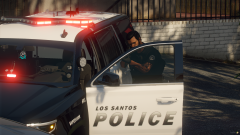
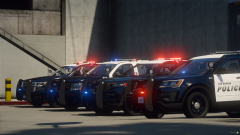
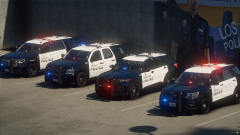
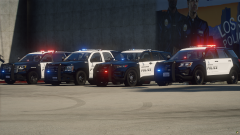
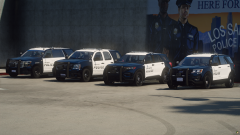
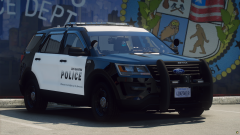
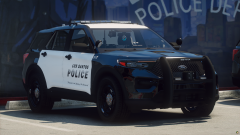
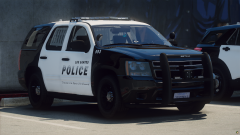
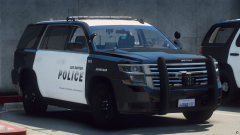
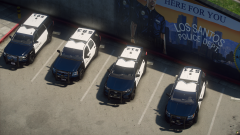
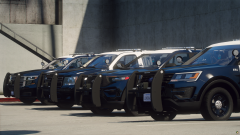
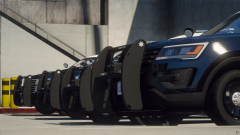
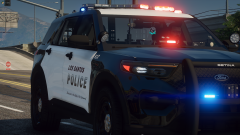
After a long break, I am back! Here is my newest work, a lore friendly Los Santos Police pack, based on Chino Police, with some of my own edits to it. When released, this pack will include a 2014 Chevy Tahoe, 2020 Chevy Tahoe, 2016 Explorer and 2020 Explorer.
- 39 images
- 664 views

39 images
-
By MEDIC3630
-
By MEDIC3630
-
By MEDIC3630
-
By MEDIC3630
-
By MEDIC3630
-
By MEDIC3630
-
By MEDIC3630
-
By MEDIC3630
-
By MEDIC3630
-
By MEDIC3630
-
By MEDIC3630
-
By MEDIC3630
-
By MEDIC3630
-
By MEDIC3630
-
By MEDIC3630
-
By MEDIC3630
-
By MEDIC3630
-
By MEDIC3630
-
By MEDIC3630
-
By MEDIC3630
-
By MEDIC3630
-
By MEDIC3630
-
By MEDIC3630
-
By MEDIC3630
-
By MEDIC3630
-
By MEDIC3630
-
By MEDIC3630
-
By MEDIC3630
-
By MEDIC3630
-
By MEDIC3630
-
By MEDIC3630
-
By MEDIC3630
-
By MEDIC3630
-
By MEDIC3630
-
By MEDIC3630
-
By MEDIC3630
-
By MEDIC3630
-
By MEDIC3630
-
By MEDIC3630


Recently Browsing 0
- No registered users viewing this page.
0 Album Comments
There are no comments to display.
Join the conversation
You can post now and register later. If you have an account, sign in now to post with your account.