Skip to content
View in the app

A better way to browse. Learn more.

LCPDFR.com

A full-screen app on your home screen with push notifications, badges and more.

To install this app on iOS and iPadOS
  1. Tap the Share icon in Safari
  2. Scroll the menu and tap Add to Home Screen.
  3. Tap Add in the top-right corner.
To install this app on Android
  1. Tap the 3-dot menu (⋮) in the top-right corner of the browser.
  2. Tap Add to Home screen or Install app.
  3. Confirm by tapping Install.
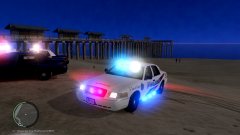
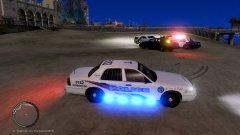
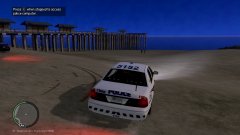
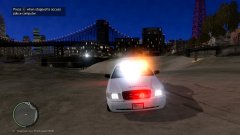
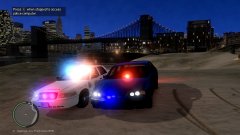
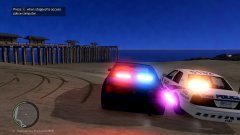
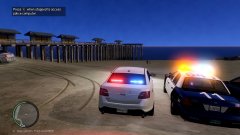
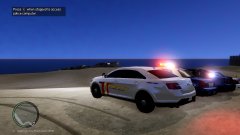
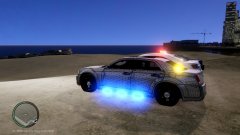
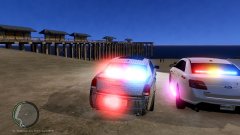
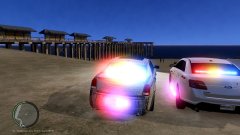
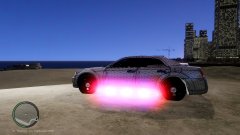
KRAZZYS NEW PACK WORK IN PROGRESS

KRAZZYS NEW PACK WORK IN PROGRESS

Album created by LEGO OF MY EGGO · Updated

IVE BEEN RECENTLY BEEN BUSY BUT AM BACK MAKING CARS STAY TUNE ANY QUESTIONS PLZ CONTACT ME 


20180614154306_1.jpg

20180614154314_1.jpg

20180614154316_1.jpg

20180614154318_1.jpg

20180614154320_1.jpg

20180614154324_1.jpg

20180614154340_1.jpg

20180614154342_1.jpg

20180614154345_1.jpg

20180614154411_1.jpg

20180614154413_1.jpg

20180614154439_1.jpg

20180614154433_1.jpg

LEGO OF MY EGGO

Members

ALL MADE BY KRAZZY WILL BE RELEASED SOON 

I HAVE A FORD ESCAPE COMMING NEXT 


Join the conversation

You can post now and register later. If you have an account, sign in now to post with your account.

Guest
Add a comment...

Recently Browsing 0

  • No registered users viewing this page.

Account

Navigation

Search

Search

Configure browser push notifications

Chrome (Android)
  1. Tap the lock icon next to the address bar.
  2. Tap Permissions → Notifications.
  3. Adjust your preference.
Chrome (Desktop)
  1. Click the padlock icon in the address bar.
  2. Select Site settings.
  3. Find Notifications and adjust your preference.