Skip to content
View in the app

A better way to browse. Learn more.

LCPDFR.com

A full-screen app on your home screen with push notifications, badges and more.

To install this app on iOS and iPadOS
  1. Tap the Share icon in Safari
  2. Scroll the menu and tap Add to Home Screen.
  3. Tap Add in the top-right corner.
To install this app on Android
  1. Tap the 3-dot menu (⋮) in the top-right corner of the browser.
  2. Tap Add to Home screen or Install app.
  3. Confirm by tapping Install.
Michigan Mega Pack

Michigan Mega Pack

Album created by OfficerFive0 · Updated
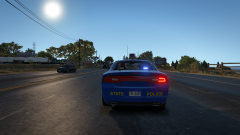
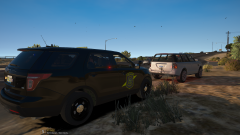
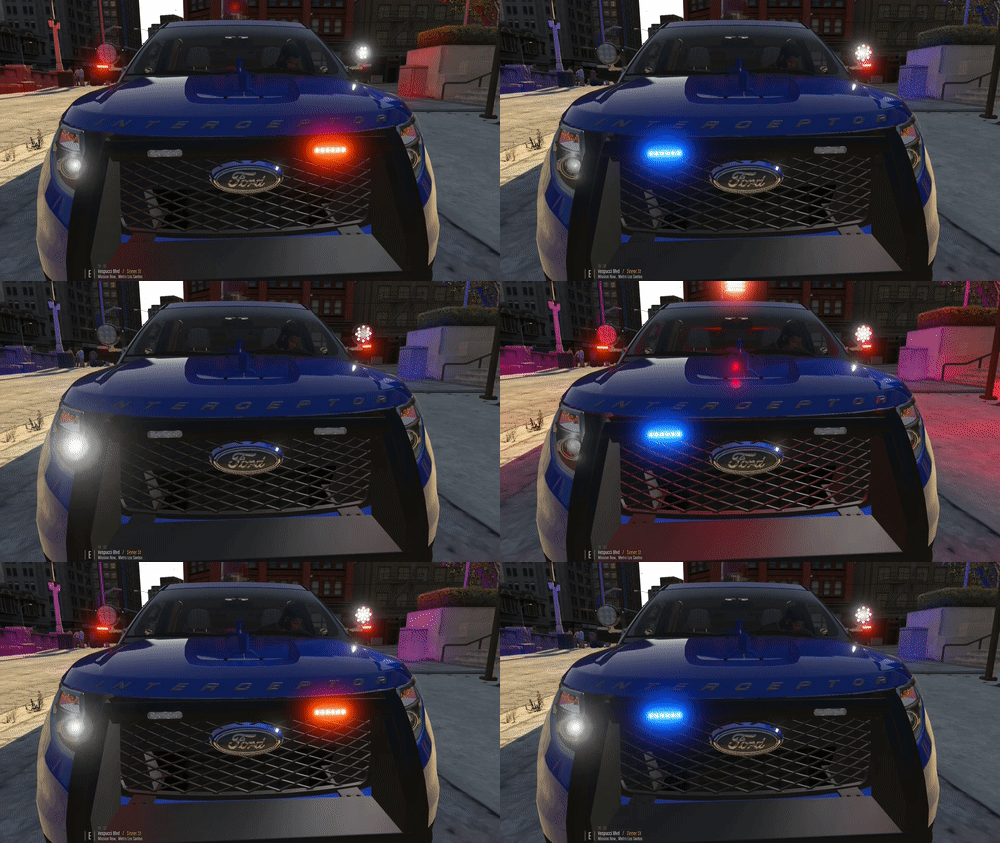
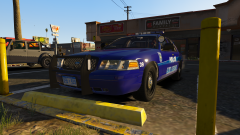
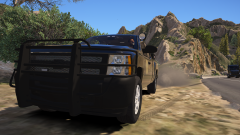
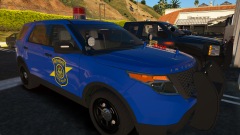
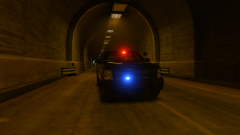
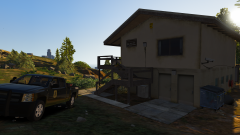
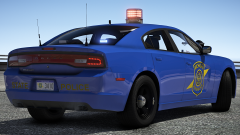
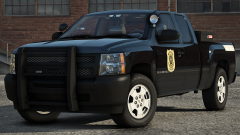
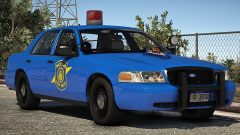
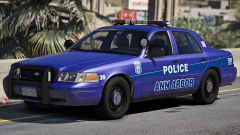
WIP Michigan pack.

Includes Michigan State Police, Washtenaw County Sheriff, Ann Arbor Police, Ypsilanti Police, Pittsfield Township Police, University of Michigan Police and Michigan DNR Conservation

Parklane390

Members

I'm actually going through the hiring process with Washtenaw right now for corrections.  I'm planning on going through the academy and working my way out onto the road in the next couple years.  I can't wait until you've got these set up!  I love the Washtenaw models!

Cool Has it been released yet?

On 4/22/2019 at 9:13 PM, Parklane390 said:

I'm actually going through the hiring process with Washtenaw right now for corrections.  I'm planning on going through the academy and working my way out onto the road in the next couple years.  I can't wait until you've got these set up!  I love the Washtenaw models!

Irl wow congrats 🙂

Legend27

Members

On 3/19/2018 at 9:24 PM, BigBlackGlock said:

i cringe when i see michigan state  tho ;/ still amazing job tho. like fr a fucking led rotator on 2016+ models? its time to think about officer safety michigan..

Whelen custom makes the "Gumball Machines" for MSP. In full honesty they are bright AF and you can see them from a long way off. you see the beacon long before the other lights and long before any other agencies that are on the same scene. Yeah they're goofy and yeah any hope at "stealth" is destroyed, but they really do grab attention. 

Aaronmm

Members

Hey, great work. Everything looks great!

Is there any update on when you may release this pack?


It seems you have everyone in suspense waiting for this beautiful setup lol

Kingrude

Members

(edited)

I would love for this to be relesed. Can you give us a time frame for when it will be relesed?

Edited by Kingrude

Sly Ap0ll0

Members

Is there any estimated release date, I’ve kept my eye on this pack for a while and I cannot wait to rock some of these cars!

31Delta

Members

I really love this pack... at first I wasn’t sure if this was a dlc pack or just a preview. But now it looks like it is only a preview. Just a suggestion, maybe it would be cool to also have a EUP for this set too. This content would be very cool for a Michigan Department of Public Safety Role Play Community.

OfficerJoseph

Members

Really hope this comes out. I love these!

meFroggy

Members

This looks awesome, ETA until it is done. Also I would buy it to get the models you got currently.

Astral

Members

I literally made an account just to comment on this. This is by far my favorite mega pack. Can't wait until it's finished! I will 100% be using this when it comes out. Do you have a estimated date of release?

Spartan221

Members

I really want this to come out soon. I love the Michigan DNR and the Michigan State Police

Tiresoup

Members

I live right next to a michigan state trooper station and its silly but charming the little "stop" sign on the front of their cars.

Jeb2016

Members

Hey @OfficerFive0! I have been following this for years now! Hope to see a release soon 🙂


Keep up the great work regardless!

MnkeBean

Members

I saw this and got happy, but then realized it was 5 years ago 🥲

Brycetrucking

Members

has this pack gotten released thanks 


Join the conversation

You can post now and register later. If you have an account, sign in now to post with your account.

Guest
Add a comment...

Recently Browsing 0

  • No registered users viewing this page.

Account

Navigation

Search

Search

Configure browser push notifications

Chrome (Android)
  1. Tap the lock icon next to the address bar.
  2. Tap Permissions → Notifications.
  3. Adjust your preference.
Chrome (Desktop)
  1. Click the padlock icon in the address bar.
  2. Select Site settings.
  3. Find Notifications and adjust your preference.